

NFC Verification Notification
From 2026, the Japanese government will require NFC KYC verification. You'll need a government-issued ID with an NFC chip, such as a MyNumber card, and a smartphone capable of reading NFC chips.
Prerequisites
You must be over 18 years of age to register with Astro.
To ensure a smooth onboarding, please have one of the following documents ready for the eKYC verification step:
- Driver’s License (Preferred)
- Passport (Preferred)
- My Number Card
- Residence Card
- Special Permanent Resident Certificate
- Driving History Card
ℹ️ eKYC: A regulatory requirement for identity verification.

About Registration
The registration process is simple and involves just four quick steps:
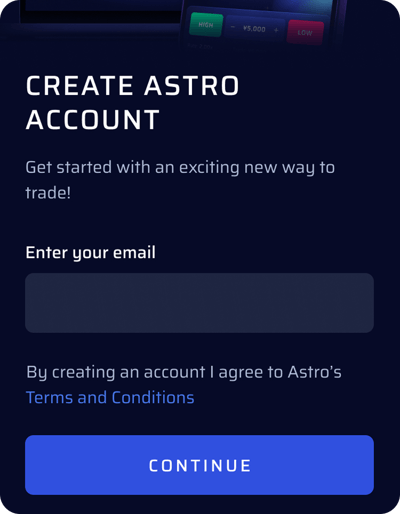
Step 1: Create account
Create and account with your email and password. Your will be required to confirm your email via OTP
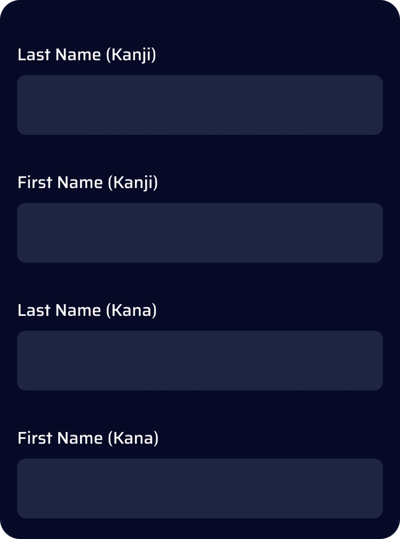
Step 2: Basic Information
Fill in your basic details in the registration form. Ensure the name is exactly as in your identification document.
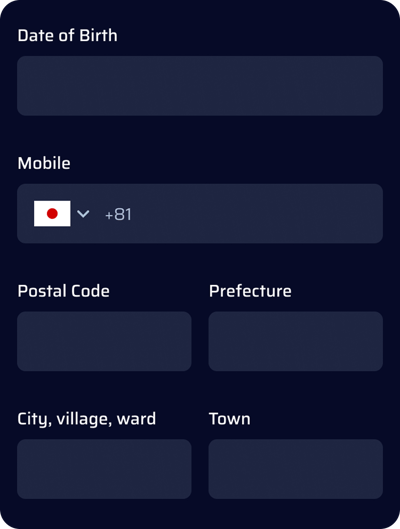
Step 3: Additional Information
In this step, fill in the following information. Ensure your address is exactly as in your identification document. Any discrepancy could result in an error while approving your application.
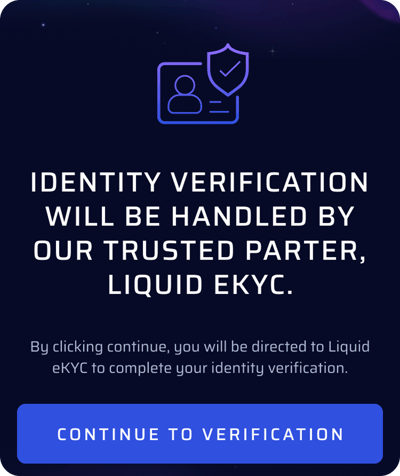
Step 4: eKYC Verification via LIQUID
Scan or upload one of the accepted documents listed above.
- Only the front side is required for My Number card.
- For passports, the 'holder's column' should be photographed, not the back side.
- Make sure to photograph your ID clearly under natural light, without any case or obstruction, against a non-white background, ensuring the portrait and text are in sharp focus and fully visible
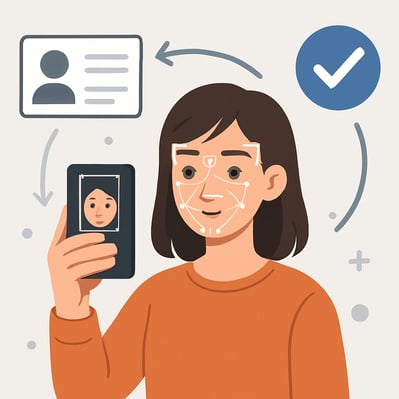
Step 4: Live Selfie
Capture a selfie to check against your document
- Remove hats, masks, coloured contact lenses, spectacles
- Keep hair out of the face and eyes.
- Make sure that the top of the head to the jawline is covered and that the image is clear
TIP: Please use a smart phone to successfully complete your registration in minutes, using a desktop device can delay registration
FAQ
Can I trade on Astro.Space without completing eKYC?Without successful eKYC, your access will be limited to the Demo version of Astro. Completing eKYC unlocks full platform access, including funding and live trading.
What if my eKYC attempt was unsuccessful?
You may re-attempt eKYC and attempt to fix the error, or use a new document